Try it for free here:
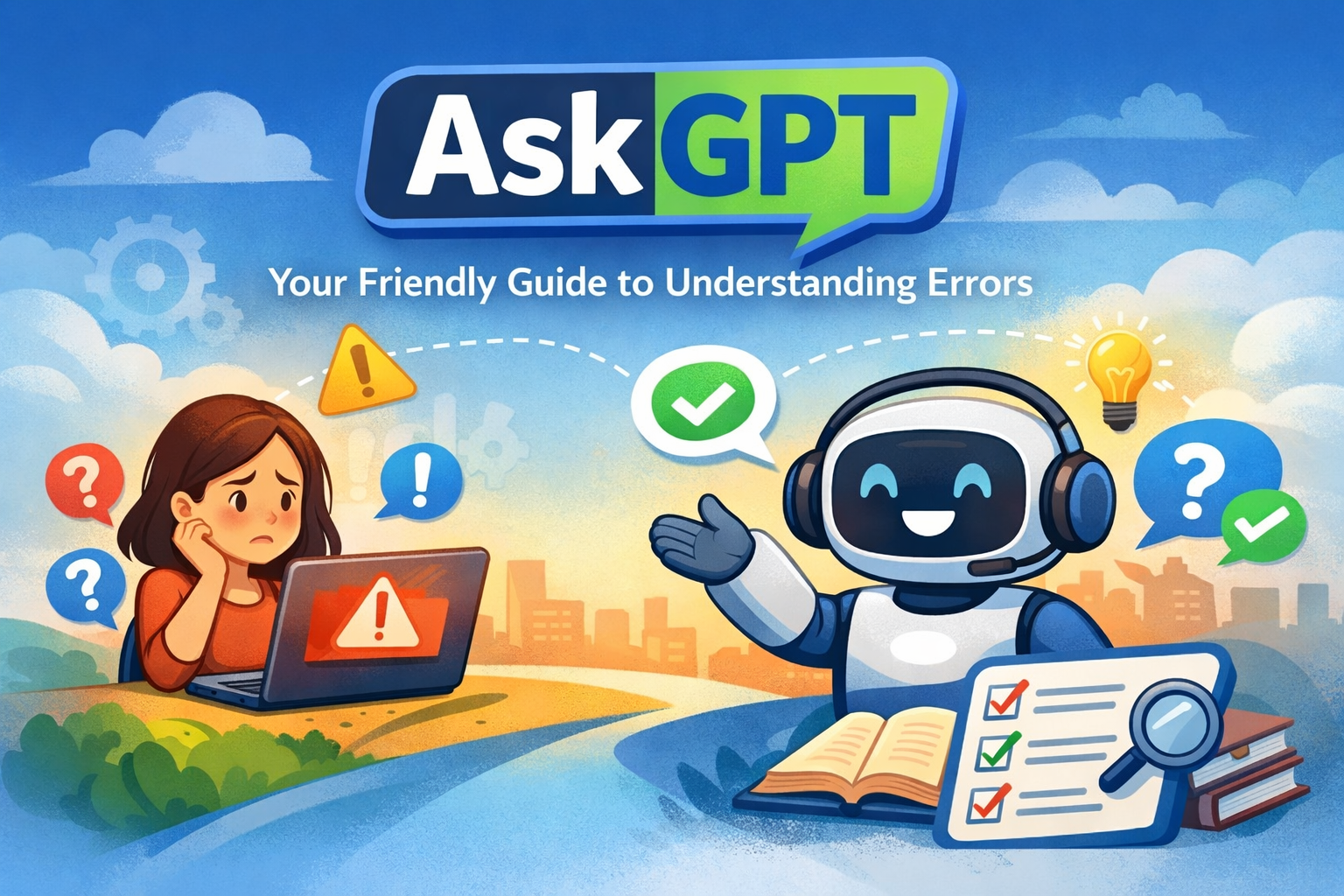
Technology is supposed to make life easier — until a mysterious error message appears and stops everything.
A strange popup. A failed login. A payment that won’t process. A system message that looks alarming.
For most people, these moments trigger confusion and panic.
AskGPT is designed to remove that stress.
It is a simple, human-friendly agent that explains error messages in plain language and tells users exactly what to do next — without technical complexity or intimidating terminology.
Why AskGPT Exists
Error messages are often written for engineers, not everyday users. They can feel cryptic, alarming, or overwhelming.
AskGPT translates these messages into:
- clear meaning
- practical next steps
- reassurance when the issue isn’t serious
- urgent guidance when action is required
Instead of searching forums or guessing solutions, users get immediate clarity and direction.
What AskGPT Does
When a user encounters an error, AskGPT explains the situation using a simple, structured response:
✔ What the issue means
A plain-English explanation of what just happened.
✔ When it usually occurs
Common situations or system states that trigger the error.
✔ How serious it is
Severity levels:
- Low
- Moderate
- High
- Critical
✔ What to do immediately
Clear steps to move past the problem right away.
✔ How to prevent it next time
Simple habits and precautions to avoid repeat issues.
✔ Learn more (optional)
Trusted references and beginner-friendly resources for those who want deeper understanding.
Designed for Non-Technical Users
AskGPT avoids jargon and speaks like a helpful friend rather than a system manual.
It is ideal for:
- small business owners
- startup founders
- office professionals
- students
- remote workers
- anyone using digital tools daily
No technical background required.
Built-In Calm and Clarity
Not every error is a crisis. AskGPT helps users stay calm by:
- reassuring when issues are harmless
- highlighting urgency only when necessary
- guiding users step-by-step through solutions
This reduces stress and prevents costly mistakes caused by panic.
Example: How AskGPT Helps
User sees: “Payment failed due to gateway timeout.”
AskGPT explains:
- What it means: The payment system didn’t respond in time.
- When it happens: Slow internet, bank delay, or server overload.
- Severity: Low
- Immediate action: Check bank account and retry after a few minutes.
- Prevent future issues: Ensure stable internet and avoid multiple rapid attempts.
Simple. Clear. Reassuring.
Where AskGPT Fits
AskGPT can be used inside:
- customer support tools
- payment platforms
- SaaS applications
- enterprise dashboards
- IT help desks
- consumer mobile apps
Anywhere users encounter confusing system messages.
Empowering Users, Reducing Support Burden
By providing instant clarity, AskGPT:
✅ reduces support tickets
✅ saves time for teams
✅ improves user confidence
✅ enhances product experience
✅ prevents unnecessary panic
The Future: Stress-Free Problem Solving
Technology will continue to evolve — and so will the errors that come with it.
AskGPT ensures that when something goes wrong, users don’t feel lost.
They feel informed. They feel guided. They feel in control.
AskGPT turns confusing errors into clear next steps.
Want AskGPT for Your organization? Please contact us at Autonomyx

Leave a Reply